# Hubspot
# Track UTMs in Hubspot Form
#### Add UTM fields to your form
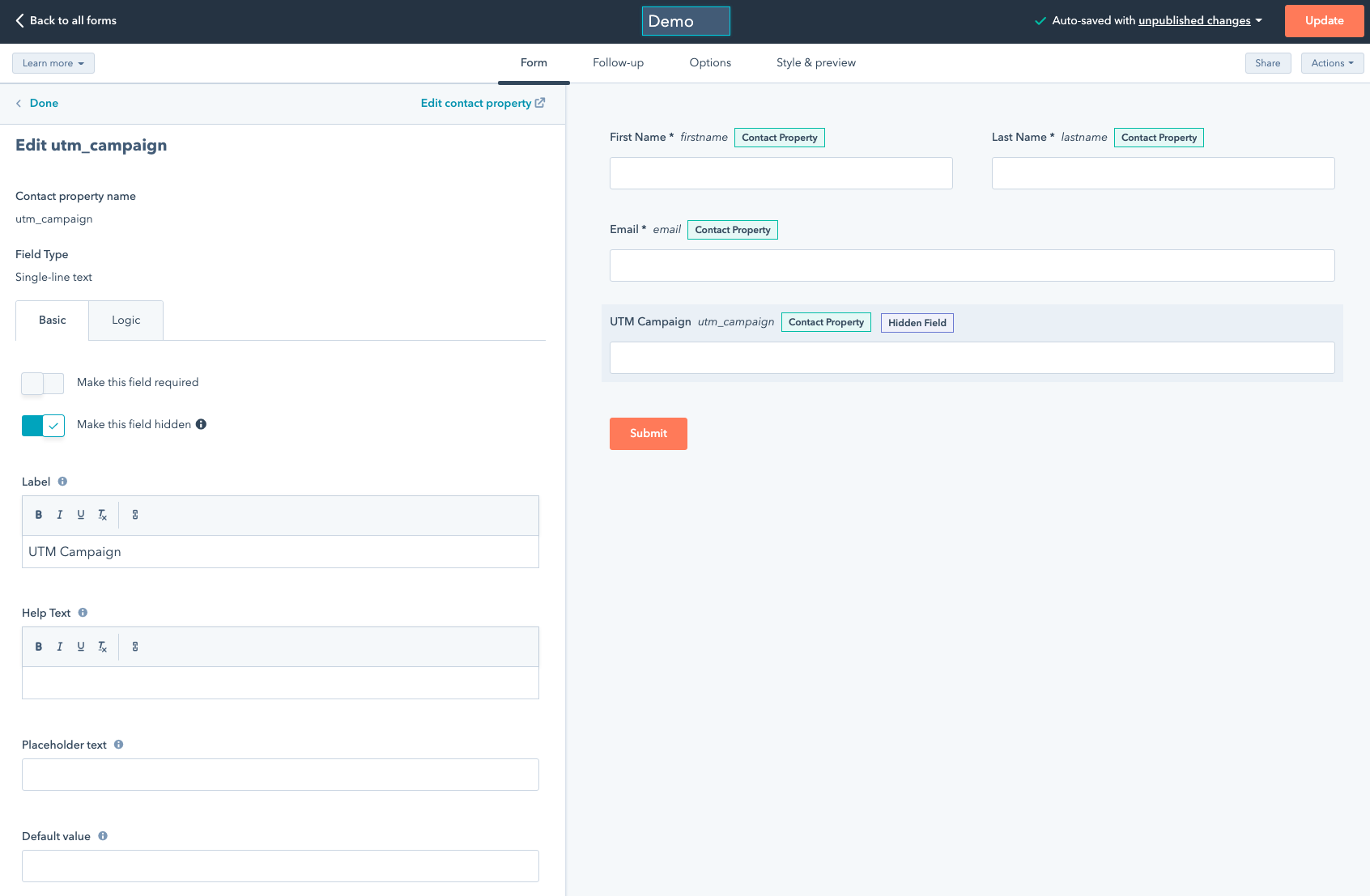
This is assuming you already created Contact properties (ideally under Web Analytics) and make sure you name them after UTMSimple properties (such as utm\_campaign, utm\_source, gclid, fbclid etc). See the full list here [What can I track with UTMSimple?](https://docs.utmsimple.com/books/101-lets-start/page/what-can-i-track-with-utmsimple)
Make sure the fields are hidden
[](https://docs.utmgrabber.com/uploads/images/gallery/2021-10/image-1635521914822.png)
#### Add the UTMSimple tracking code
After that insert our UTMSimple script as explained here: [Where is the tracking code?](https://docs.utmsimple.com/books/101-lets-start/page/where-is-the-tracking-code)
#### Copy paste the form embed code
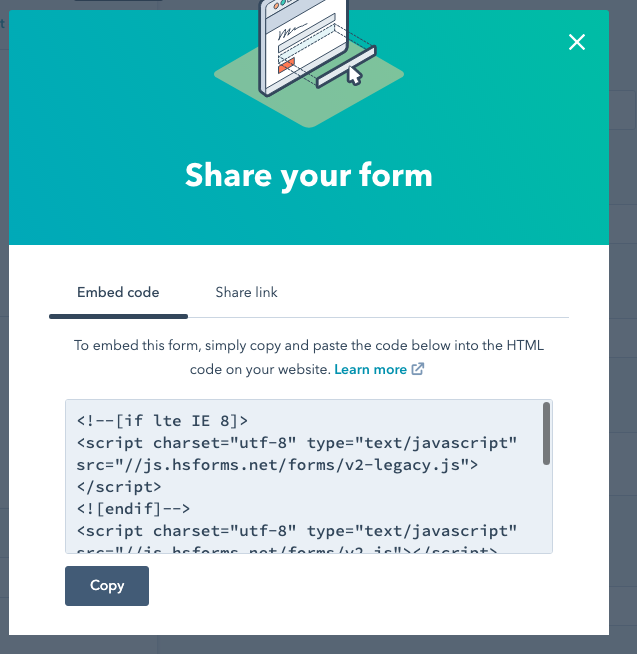
Clicking the share button will generate the embed code looks like this
[](https://docs.utmgrabber.com/uploads/images/gallery/2021-10/image-1635521977333.png)
Add the following modifications Simply add the `onFormReady` event as is
```
```
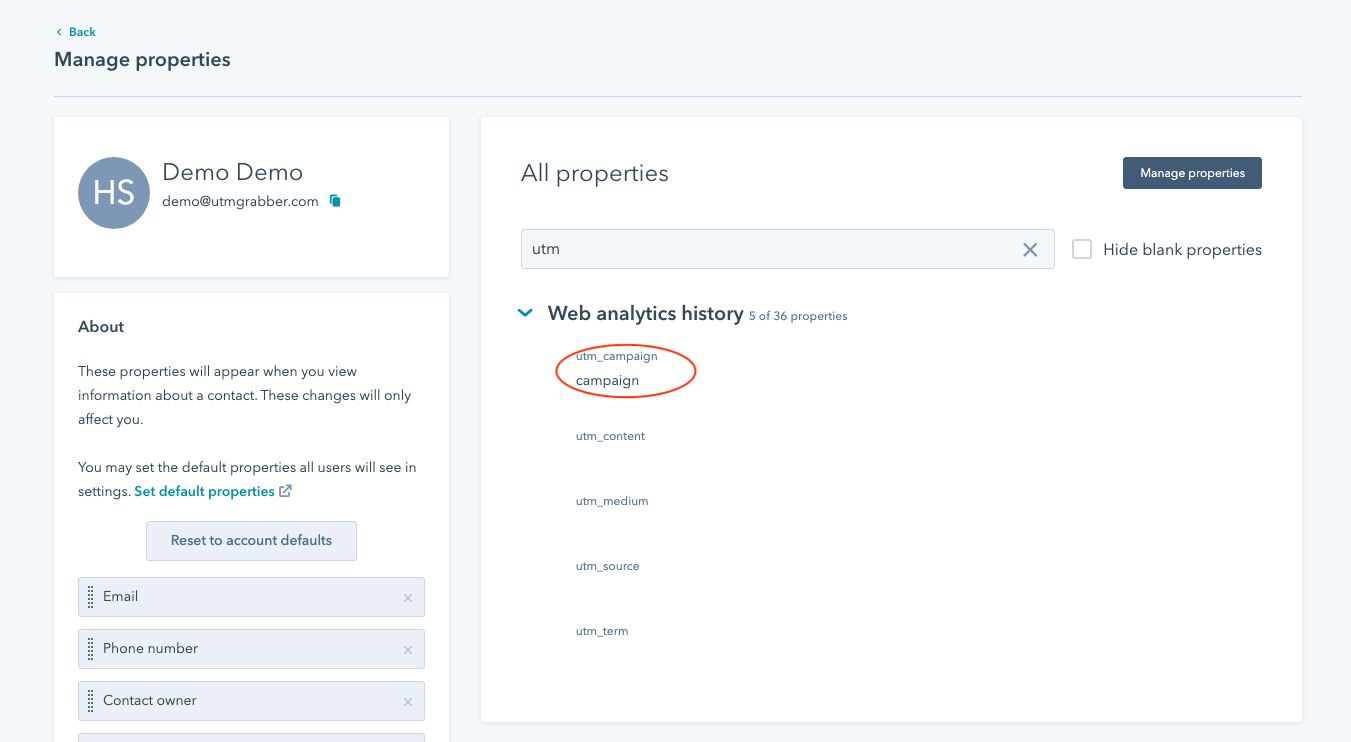
That's it! Your form will track the parameters and you'll get all the tracked parameters under submissions in Hubspot (in contact property for the contact)
[](https://docs.utmgrabber.com/uploads/images/gallery/2021-10/image-1635522174185.png)
# Track UTMs in HubSpot Form Module (Page Builder)
Add the form module into your page.
After that insert our UTMSimple script as explained here: [Where is the tracking code?](https://docs.utmsimple.com/books/101-lets-start/page/where-is-the-tracking-code)
And add the following snippets anywhere in your page:
```
```