
Getting Started with UTM Simple Shopify Extension
UTM Simple is a free Shopify app that automatically captures UTM parameters from your store visitors, tracks conversions, and helps you understand which marketing campaigns are driving sales.
Click Here to check our Shopify App
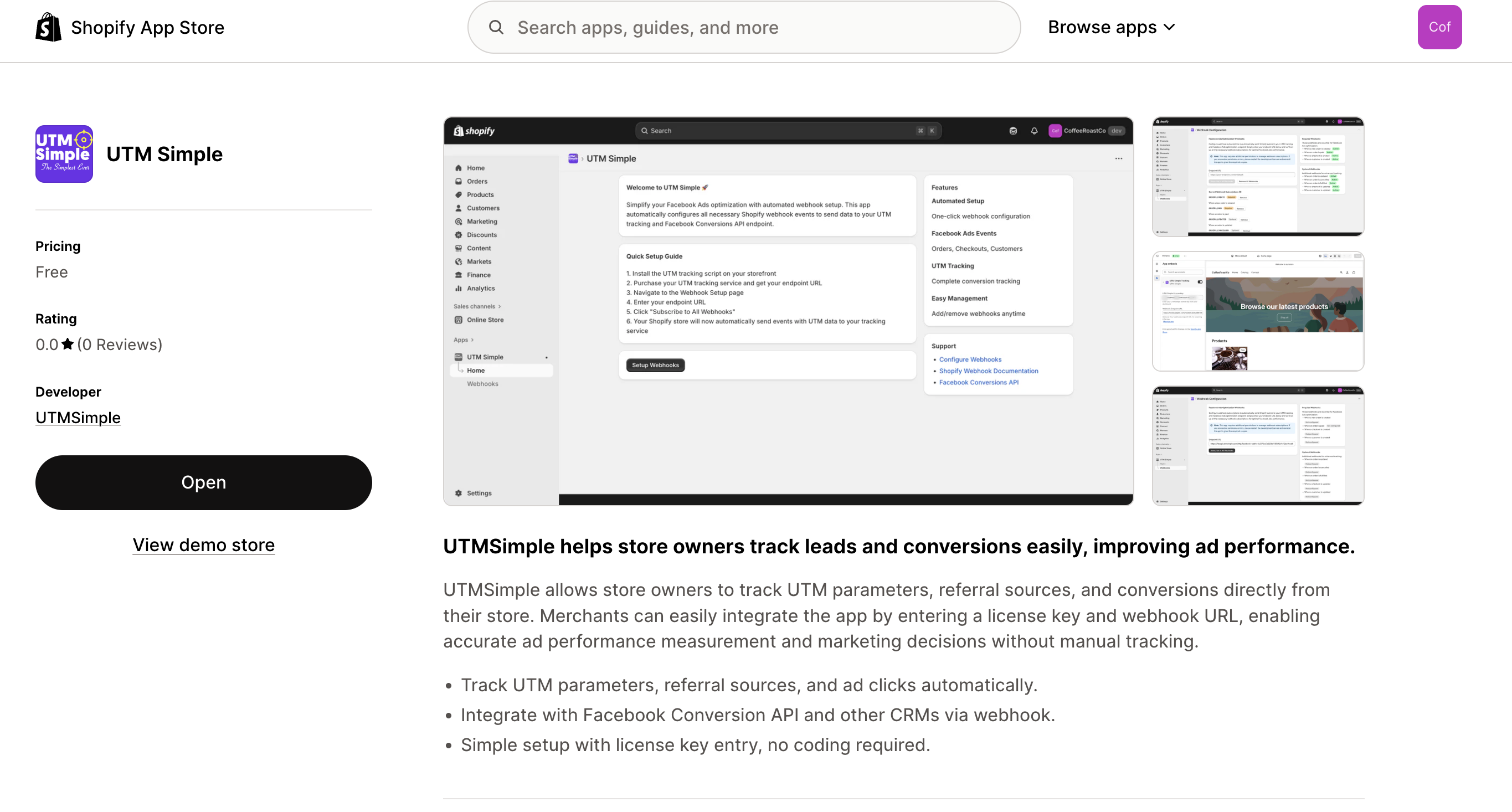
What UTM Simple Does
- Captures UTM parameters (source, medium, campaign, term, content) from every visitor
- Tracks conversions across orders, checkouts, and customer signups
- Sends data to Facebook Conversions API via webhooks for better ad optimization
- Provides monthly analytics with charts and AI-generated insights
- 100% free for all Shopify merchants — no paid plans, no hidden fees
Prerequisites
- A Shopify store with an active theme
- A free UTM Simple license key (see Step 1 below)
Setup (5 Steps)
Step 1: Get Your Free License Key
- Visit utmsimple.com/utmsimple-with-shopify
- Sign up and get your free license key
- Your key will look like this:
XXXX-XXXX-XXXX-XXXX
Step 2: Activate Your License
- Open the UTM Simple app in your Shopify admin
- Click License in the left sidebar
- Paste your license key into the input field
- Click Activate License
- You'll see a success message once your license is activated
Your license key is stored securely in your shop's metafields and linked to your store's domain.
Step 3: Install the Theme Extension
- Click Setup in the left sidebar
- Click the Install UTM Simple Tracking button — this opens your Shopify theme editor
- In the theme editor, find the UTM Simple Tracking block in the app blocks section
- Drag it into your theme's Header or Footer section (so it loads on every page)
- Click Save in the theme editor
Tip: Installing in the Header or Footer ensures tracking runs on every page of your store, giving you the most complete data.
Step 4: Configure Webhooks
Webhooks allow UTM Simple to receive real-time data when orders are placed, checkouts are started, and customers sign up.
- Click Webhooks in the left sidebar
- (Optional) Enter a custom webhook endpoint URL if you want to receive data at your own server
- Click Subscribe to All Webhooks
- You'll see a confirmation that all webhook subscriptions were created
UTM Simple subscribes to the following Shopify events:
| Event | Description |
|---|---|
| Orders Created | When a new order is placed |
| Orders Paid | When an order payment is confirmed |
| Orders Updated | When order details change |
| Orders Cancelled | When an order is cancelled |
| Orders Fulfilled | When an order is shipped/fulfilled |
| Checkouts Created | When a customer starts checkout |
| Checkouts Updated | When checkout details change |
| Customers Created | When a new customer account is created |
Step 5: View Your Analytics
- Click Analytics in the left sidebar
- Select a month and year using the date picker
- Click Get Report to load your analytics
- Review your traffic and conversion data in the charts and AI-generated summary
That's it! UTM Simple is now tracking your store visitors and their UTM data.
Next Steps
- Understanding Your Analytics — How to read your reports
- Webhook Configuration — Advanced webhook setup
- Troubleshooting — Common issues and fixes